How do I get ChatGPT links to always open in my external browser?
If you’re using the ChatGPT desktop app, there’s now a setting for exactly this:
ChatGPT → Settings → Browser (or General) → “Open web URLs and links in” → “Default browser.”
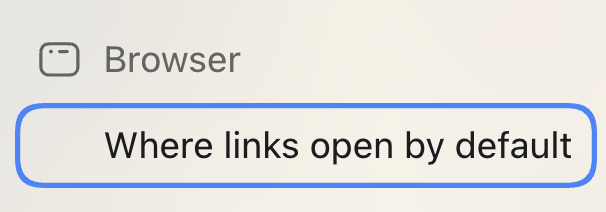
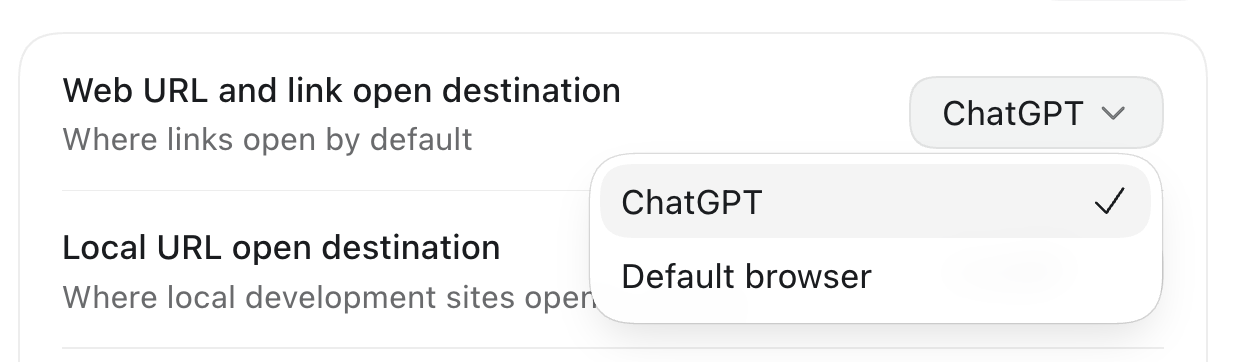

That should make normal links I give you open in your Mac/Windows default browser instead of ChatGPT’s built-in browser. Recent OpenAI desktop builds explicitly have an “Open web URLs and links in → Default browser” preference.